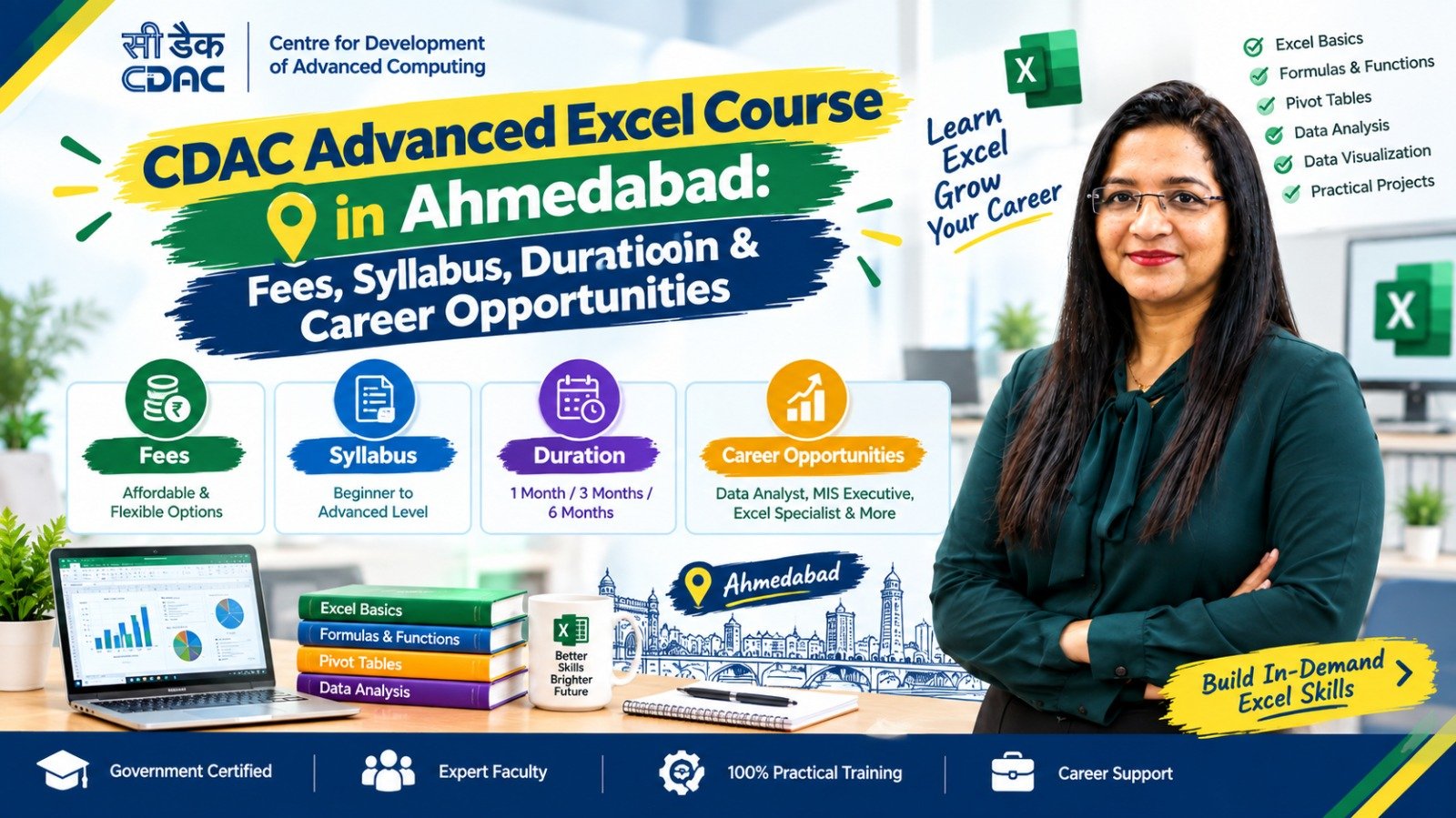
Advanced Excel has become an important workplace skill for accounting, finance, administration, operations, MIS, reporting and data-related jobs. While basic Excel is useful for everyday spreadsheets, Advanced Excel helps learners work with larger datasets, automate repetitive tasks, create reports and analyse business information more efficiently.
For students, job seekers and working professionals in Ahmedabad, an Advanced Excel course can be a practical way to develop job-oriented spreadsheet skills.
If you are searching for a CDAC Advanced Excel Course in Ahmedabad, it is important to understand the syllabus, duration, fees, eligibility, practical training and certification before choosing a course.
This guide explains these areas in simple terms.
What Is an Advanced Excel Course?
An Advanced Excel course is designed to teach spreadsheet functions and tools beyond basic data entry and simple calculations.
Depending on the course level, students may learn:
- Advanced formulas and functions
- Data cleaning
- Sorting and filtering
- Conditional formatting
- Lookup functions
- Pivot Tables
- Pivot Charts
- Data validation
- Dashboard creation
- Reporting
- Data analysis
- Excel charts
- Logical functions
- Text and date functions
- What-If Analysis
- Basic automation
- Macros and VBA in advanced programmes
The exact syllabus depends on the institute and course level.
What Does CDAC Mean?
CDAC generally refers to the Centre for Development of Advanced Computing (C-DAC), an organisation under the Ministry of Electronics and Information Technology (MeitY), Government of India.
However, learners should not assume that every course advertised online as a “CDAC Advanced Excel Course” is automatically an official C-DAC programme.
Before admission, check:
- The exact name of the course
- Who is conducting the training
- Whether the programme is officially affiliated with C-DAC
- Who issues the certificate
- Whether the certificate is from C-DAC or the training institute
- Whether the course appears on the relevant official programme/provider information
- Whether the syllabus and certification match what has been advertised
This verification is particularly important if a course is promoted as a government-certified or C-DAC-certified programme.
Who Can Join an Advanced Excel Course in Ahmedabad?
Advanced Excel is useful for learners from different educational backgrounds.
1. Students After 12th
Students who have completed Class 12 can consider an Advanced Excel course, subject to the institute’s eligibility criteria.
It can be useful for students interested in:
- Accounting
- Finance
- Business
- Office administration
- Data handling
- Management
- Computer applications
2. Commerce Students
Commerce students can combine Excel with accounting knowledge to improve their practical workplace skills.
A useful combination can be:
Accounting Fundamentals → TallyPrime → GST → Advanced Excel
3. Graduates
Graduates from B.Com, BBA, BA, BCA and other backgrounds can learn Advanced Excel for office and data-related roles.
4. Working Professionals
Professionals who already use Excel can learn advanced functions, reporting, dashboards and data analysis to improve their existing workflow.
5. Job Seekers
Advanced Excel can be useful for candidates applying for entry-level roles involving:
- Data management
- Reporting
- MIS
- Accounts
- Administration
- Operations
- Back-office work
Advanced Excel Course Syllabus
A good Advanced Excel course should combine concepts with practical exercises.
The exact syllabus varies by institute, but the following topics are commonly included.
1. Excel Fundamentals Revision
Before moving to advanced topics, learners should understand:
- Workbook and worksheet
- Rows and columns
- Cell references
- Basic formulas
- Basic functions
- Formatting
- Tables
- Sorting
- Filtering
This creates a strong foundation.
2. Advanced Excel Formulas
Formulas are one of the most important parts of Advanced Excel.
Students may learn:
- IF
- AND
- OR
- IFERROR
- SUMIF
- SUMIFS
- COUNTIF
- COUNTIFS
- AVERAGEIF
- AVERAGEIFS
- SUMPRODUCT
These functions can help automate calculations and analyse business data.
3. Lookup Functions
Lookup functions are widely used when information needs to be retrieved from another table.
Common topics include:
- VLOOKUP
- HLOOKUP
- XLOOKUP
- INDEX
- MATCH
- INDEX + MATCH
Learners should understand not only the formulas but also when each function is appropriate.
4. Text Functions
Text functions can be used to clean and manipulate information stored in cells.
Examples include:
- LEFT
- RIGHT
- MID
- LEN
- TRIM
- UPPER
- LOWER
- PROPER
- CONCAT
- TEXTJOIN
- FIND
- SEARCH
- SUBSTITUTE
These functions are particularly useful when working with customer, employee or product data.
5. Date and Time Functions
Students may learn functions such as:
- TODAY
- NOW
- DATE
- DAY
- MONTH
- YEAR
- DATEDIF
- EOMONTH
- WORKDAY
- NETWORKDAYS
These can be useful for attendance, payroll, deadlines, project tracking and business reports.
6. Data Cleaning
Data cleaning is an important practical Excel skill.
Students may learn how to:
- Remove duplicates
- Find missing values
- Correct inconsistent data
- Split data into columns
- Clean unwanted spaces
- Standardise text
- Format dates
- Identify incorrect entries
7. Sorting and Filtering
Advanced Excel training generally covers:
- Multi-level sorting
- Custom sorting
- Advanced filtering
- Filter by values
- Filter by conditions
- Filter by dates
- Table filters
These tools help users work efficiently with large datasets.
8. Pivot Tables
Pivot Tables are one of the most valuable Excel tools for reporting and analysis.
Students can learn how to:
- Create Pivot Tables
- Group data
- Summarise information
- Add calculated fields where applicable
- Filter reports
- Create Pivot Charts
- Refresh Pivot Tables
For example, a sales dataset can be converted into a monthly sales report using a Pivot Table.
9. Charts and Data Visualisation
Students may learn to create:
- Column charts
- Bar charts
- Line charts
- Pie charts
- Area charts
- Combo charts
- Pivot Charts
The objective is to present information in an easy-to-understand format.
10. Excel Dashboards
Advanced courses may introduce dashboard creation.
A dashboard can combine:
- Charts
- Tables
- KPIs
- Filters
- Pivot Tables
- Slicers
- Summary information
For example, a sales dashboard may show:
Total Sales | Monthly Sales | Top Products | Salesperson Performance | Region-wise Sales
11. Data Validation
Data Validation helps control what users can enter into a worksheet.
Learners may create:
- Drop-down lists
- Number restrictions
- Date restrictions
- Input messages
- Error alerts
This is useful for reducing data-entry errors.
12. Conditional Formatting
Conditional Formatting can automatically highlight information based on specific conditions.
Examples include:
- Highlighting high sales
- Identifying overdue payments
- Showing low inventory
- Highlighting duplicate records
- Using colour scales
- Applying data bars
- Creating icon sets
13. What-If Analysis
Depending on the course level, students may learn:
- Goal Seek
- Scenario Manager
- Data Tables
These tools can help analyse different business situations.
14. Macros and VBA
Some advanced programmes also introduce automation.
Topics may include:
- Recording macros
- Running macros
- Basic VBA
- Automating repetitive tasks
- Understanding VBA modules
This is generally an advanced topic and may not be included in every Advanced Excel course.
Advanced Excel Course Duration in Ahmedabad
There is no single fixed duration for every Advanced Excel course.
The duration depends on the syllabus, training format and depth of practical learning.
A general structure may look like this:
| Course Type | Approximate Duration |
|---|---|
| Basic Excel | 1–2 months |
| Advanced Excel | 1–3 months |
| Advanced Excel + Projects | 2–4 months |
| Excel + Tally/GST | 3–6 months |
| Excel + Power BI | 2–6 months |
| Excel + Data Analytics | 3–6+ months |
These are general learning ranges, not fixed Ahmedabad market prices or durations.
A shorter course may focus on formulas and reporting, while a longer programme may include dashboards, projects, automation or additional tools.
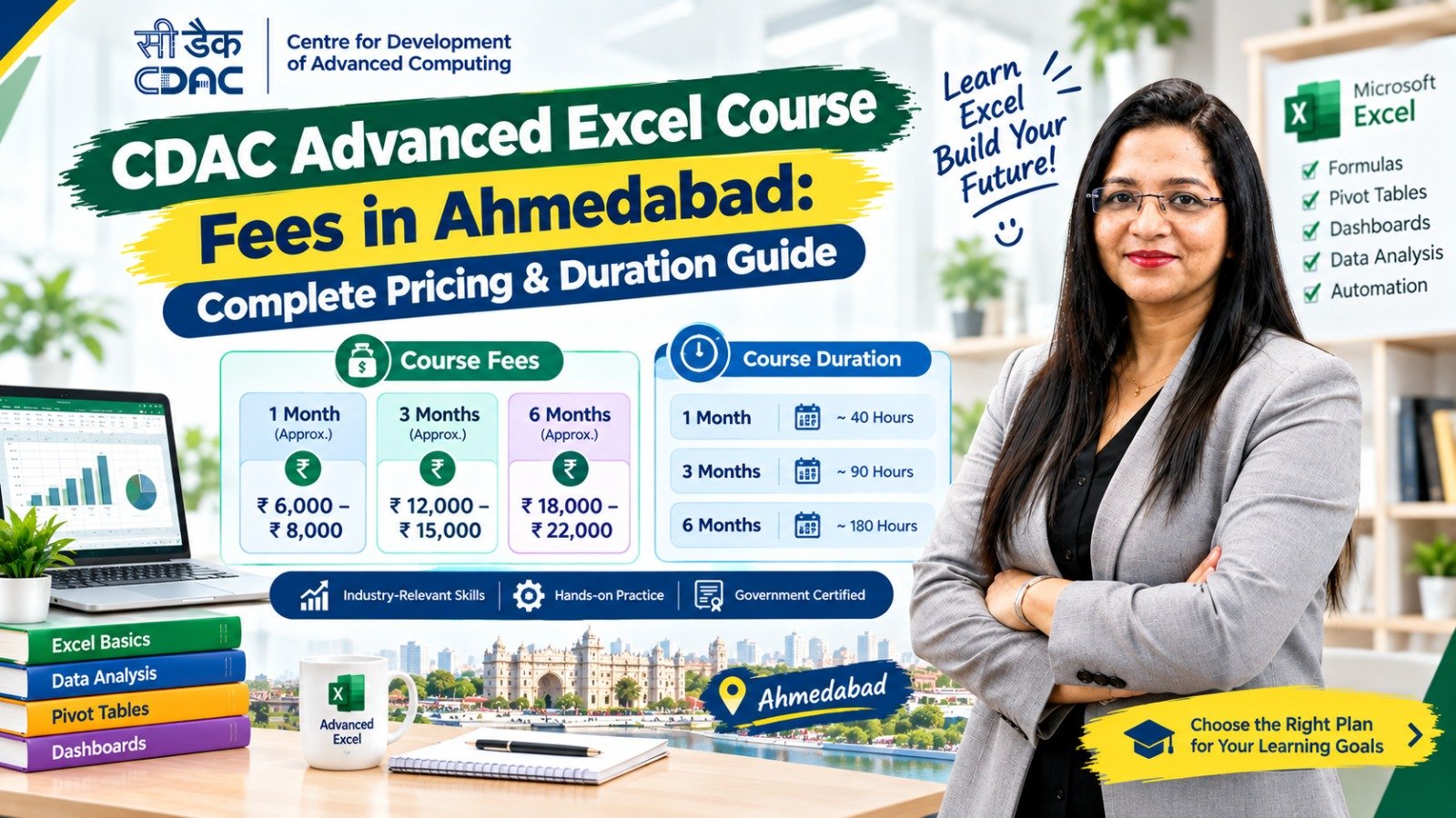
CDAC Advanced Excel Course Fees in Ahmedabad
The fee for an Advanced Excel course can vary significantly between training providers.
There is no single universal fee applicable to every course advertised in Ahmedabad.
Fees may depend on:
- Course duration
- Online or classroom format
- Number of training hours
- Advanced Excel syllabus
- Practical projects
- Trainer experience
- Batch size
- Study material
- Certification
- Assessment
- Career support
- Additional software or modules
- Excel + Tally/GST combination
- Excel + Power BI or analytics modules
Therefore, instead of comparing only the advertised fee, compare the complete course package.
What Should You Ask About the Fee?
Before enrolling, ask:
- What is the total course fee?
- Are there registration charges?
- Is GST included?
- Are study materials included?
- Is certification included?
- Are practical projects included?
- Are there extra examination charges?
- Is there a refund or cancellation policy?
- Is placement or career assistance included?
- Are there additional charges for advanced modules?
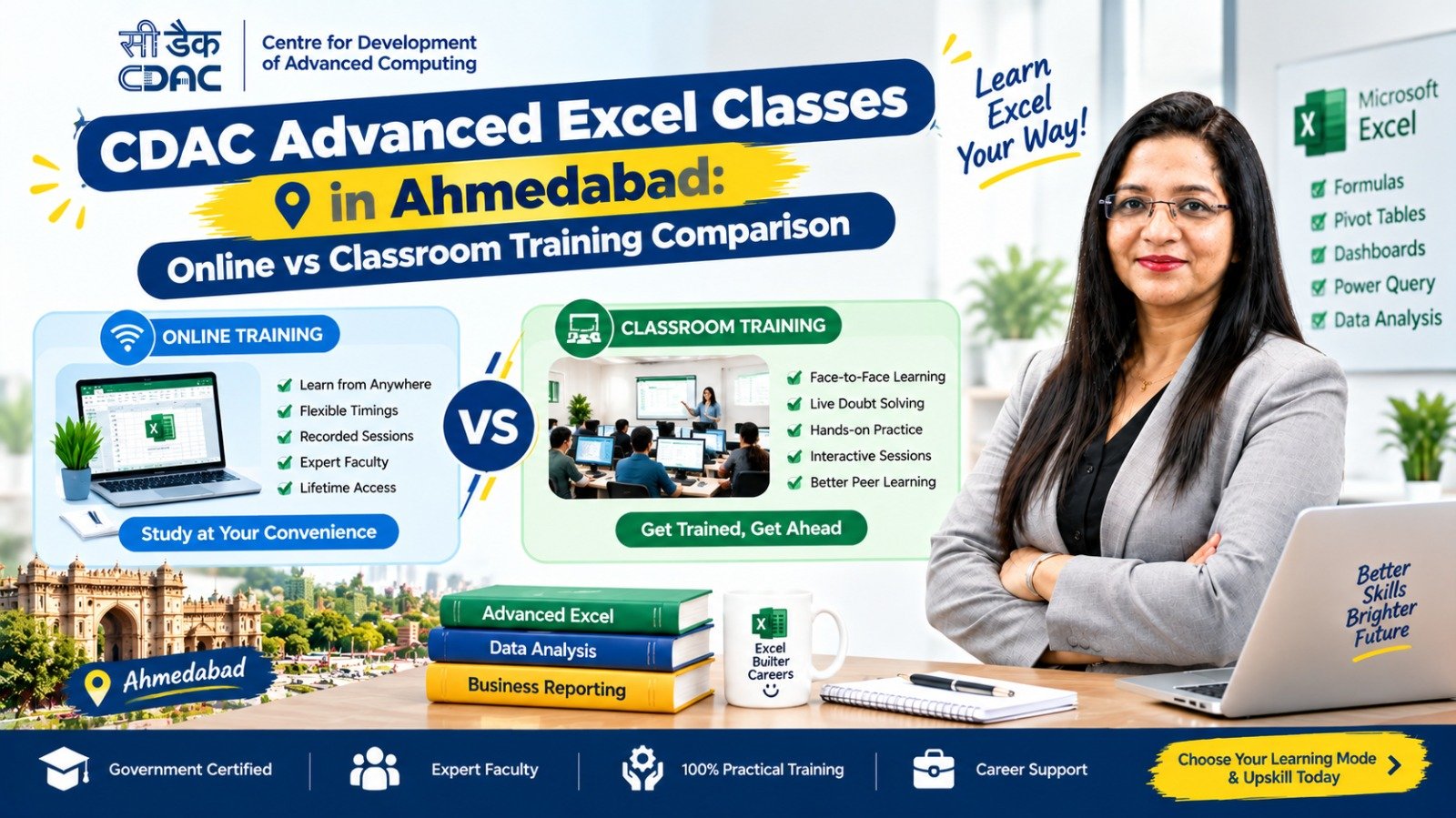
Online vs Classroom Advanced Excel Course
Both learning formats can work, depending on your learning style and schedule.
| Feature | Online | Classroom |
|---|---|---|
| Flexibility | High | Moderate |
| Travel | Not required | Required |
| Trainer interaction | Online | Direct |
| Practice | Self-managed | Guided |
| Schedule | Often flexible | Fixed batches |
| Suitable for working professionals | Often | Depends on timing |
| Learning environment | Home-based | Training centre |
For beginners, practical training is particularly important.
A course should give learners opportunities to work with real or realistic datasets rather than only watching demonstrations.
Practical Projects You Should Look for
A job-oriented Advanced Excel course should ideally include practical exercises.
Examples:
Sales Report
Create a monthly sales report using formulas, Pivot Tables and charts.
Employee Attendance Sheet
Calculate:
- Working days
- Present days
- Leave
- Absence
- Attendance percentage
Inventory Report
Track:
- Product
- Quantity
- Purchase price
- Selling price
- Stock value
- Reorder level
Expense Tracker
Create a monthly expense report with categories and charts.
MIS Dashboard
Create a management dashboard using:
- KPIs
- Pivot Tables
- Charts
- Slicers
- Filters
Projects help learners understand how Excel is actually used in workplaces.
Career Opportunities After Advanced Excel
Advanced Excel is used across many business functions.
Depending on your education, experience and additional skills, possible roles may include:
- MIS Executive
- Reporting Executive
- Data Entry Executive
- Back Office Executive
- Accounts Assistant
- Junior Accountant
- Billing Executive
- Finance Assistant
- Operations Executive
- Administrative Executive
- Inventory Executive
Advanced Excel alone does not guarantee employment. Employers may also expect communication skills, basic computer knowledge, domain knowledge and relevant experience.
Advanced Excel for Accounting Jobs
For students interested in accounting, combining Excel with accounting software can be useful.
A possible learning path is:
Accounting Fundamentals
↓
TallyPrime
↓
GST Basics
↓
Advanced Excel
↓
Practical Accounting & Excel Projects
Excel can be used for:
- Financial reports
- Expense tracking
- Sales reports
- Purchase reports
- Reconciliation
- Data analysis
- MIS reporting
- Payroll-related calculations
Advanced Excel + Power BI
Learners interested in data and reporting may continue from Advanced Excel to Power BI.
A possible pathway is:
Excel Basics → Advanced Excel → Data Cleaning → Pivot Tables → Dashboards → Power BI → Data Analytics
This pathway can help learners gradually move from spreadsheet-based reporting toward business intelligence and analytics.
Skills to Learn Along With Advanced Excel
Excel becomes more useful when combined with other workplace skills.
Consider developing:
Technical Skills
- TallyPrime
- GST
- Power BI
- Basic SQL
- Data analysis
- Google Sheets
Workplace Skills
- Communication
- Email writing
- Presentation skills
- Problem solving
- Data accuracy
- Time management
Digital Skills
- Microsoft Office
- Google Workspace
- Cloud file management
- Basic online collaboration tools
How to Choose a CDAC Advanced Excel Course in Ahmedabad
Before paying the course fee, use this checklist.
1. Verify the Course Name
Check exactly what the provider means by “CDAC Advanced Excel.”
2. Verify the Certificate
Ask who issues the certificate.
Do not rely only on phrases such as:
- Government certified
- Government approved
- CDAC certified
- Government recognised
Verify the actual certificate issuer and programme details.
3. Check the Syllabus
Make sure it includes the skills you actually want to learn.
4. Ask About Practical Training
Ask whether students work on actual datasets and projects.
5. Check Trainer Support
Ask how students receive help when they are stuck.
6. Compare Duration
A very short course may cover only the basics, while a longer course may provide more practical training.
7. Compare Total Fees
Check whether certification, study material, assessment and other charges are included.
8. Check Career Support
If the course advertises placement assistance, ask what exactly is included.
Suggested Learning Roadmap for Beginners
If you are completely new to Excel, follow this sequence:
Step 1: Learn Computer Basics
Understand files, folders, typing, copying, saving and basic computer operations.
Step 2: Learn Basic Excel
Understand cells, rows, columns, formatting and simple formulas.
Step 3: Learn Important Functions
Start with:
SUM → AVERAGE → COUNT → IF → SUMIF → COUNTIF
Step 4: Learn Lookup Functions
Move to:
VLOOKUP → XLOOKUP → INDEX + MATCH
Step 5: Learn Data Cleaning
Practice removing duplicates, correcting formatting and handling inconsistent data.
Step 6: Learn Pivot Tables
Start creating summaries from large datasets.
Step 7: Learn Charts
Convert data into useful visual reports.
Step 8: Build Dashboards
Combine KPIs, Pivot Tables, charts and filters.
Step 9: Complete Practical Projects
Create sales, inventory, attendance and MIS reports.
Step 10: Add Another Skill
Depending on your career goal, learn:
TallyPrime + GST for accounting
or
Power BI + SQL for data/analytics.
Is Advanced Excel Worth Learning in Ahmedabad?
Advanced Excel can be a useful professional skill for people whose work involves spreadsheets, reports, accounting, operations, administration or data.
However, the value of a course depends heavily on what you actually learn.
Instead of choosing a course only because it has “Advanced Excel” or “CDAC” in its name, compare:
Syllabus + Practical Training + Duration + Certification + Projects + Trainer Support + Career Relevance + Total Fees
This gives you a clearer picture of what you are actually paying for.
Quick Comparison
| Factor | What to Check |
|---|---|
| Eligibility | 10th/12th/graduate requirements |
| Duration | Number of weeks/months |
| Syllabus | Formulas, Pivot Tables, dashboards, data analysis |
| Practical Training | Projects and real-world datasets |
| Certification | Actual certificate issuer |
| Fees | Complete fee including additional charges |
| Mode | Online or classroom |
| Trainer | Experience and support |
| Career Support | Interview/resume/placement assistance |
| Additional Skills | Tally, GST, Power BI, SQL |
Frequently Asked Questions
1. What is a CDAC Advanced Excel Course in Ahmedabad?
It generally refers to an Advanced Excel training programme marketed using the CDAC name. Students should verify the exact programme, training provider, affiliation and certificate issuer before admission.
2. What is the fee for an Advanced Excel course in Ahmedabad?
Fees vary according to the institute, duration, syllabus, training format, practical projects, certification and career support. There is no single fee applicable to every Advanced Excel course in Ahmedabad.
3. What is the duration of an Advanced Excel course?
Many Advanced Excel courses can range from around 1 to 3 months, while programmes combined with projects or other skills may take longer.
4. Can I learn Advanced Excel after 12th?
Yes. Many beginner-level courses accept students after 12th, subject to the individual institute’s eligibility requirements.
5. Is Advanced Excel useful for accounting jobs?
Yes. Excel is commonly used for reporting, calculations, data management, reconciliation and financial information. Combining Advanced Excel with TallyPrime and GST can provide a broader accounting skill set.
6. Do I need to know basic Excel before joining Advanced Excel?
Basic Excel knowledge is helpful. However, some courses start with a foundation module before teaching advanced functions.
7. Which topics should I learn in Advanced Excel?
Important topics include formulas, logical functions, lookup functions, text and date functions, data cleaning, Pivot Tables, charts, conditional formatting, data validation and dashboards. Advanced programmes may also include macros and VBA.
8. Can Advanced Excel help me get a job?
Advanced Excel can support applications for roles involving reporting, MIS, accounts, administration, operations and data management. However, employment depends on your overall qualifications, practical skills, communication and experience.
9. Is classroom or online Advanced Excel training better?
Both can work. Classroom training provides direct interaction, while online learning can offer greater flexibility. The quality of practical training and trainer support is more important than the format alone.
10. Should I learn Tally and Advanced Excel together?
If your career goal is accounting or finance, learning TallyPrime, GST and Advanced Excel together can create a useful combination of accounting and reporting skills.
11. Can Advanced Excel lead to data analytics?
It can be a starting point. Learners interested in analytics can progress from Advanced Excel to Power BI, SQL and other data-analysis skills.
12. How do I verify a CDAC certificate?
Ask the training provider for the exact programme name, official affiliation details and certificate issuer. Do not assume that the use of the term “CDAC” automatically means the certificate is issued by C-DAC.