Students who have completed 12th standard often look for short-term professional courses that can provide practical workplace skills. Advanced Excel is one such skill because Excel is used in accounting, finance, administration, MIS, sales, operations and data management.
This guide explains whether students can pursue an Advanced Excel course after 12th in Ahmedabad, what to know about courses advertised as CDAC Advanced Excel, typical duration and fee factors, syllabus, career opportunities and additional skills that can be learned alongside Excel.
Introduction
Completing 12th standard is an important stage for students deciding what to study next. While degree programmes remain a common route, many students also explore professional and job-oriented courses that can develop practical skills.
One of the most useful office skills is Microsoft Excel.
Excel is used by businesses for:
- Data entry
- Calculations
- Reports
- Accounting support
- Sales records
- Inventory management
- Employee records
- MIS reporting
- Data analysis
- Business dashboards
Because of its broad workplace applications, many students search for an Advanced Excel course after 12th in Ahmedabad.
Some students also search specifically for CDAC Advanced Excel courses. However, it is important to understand that the term “CDAC” should be verified carefully. C-DAC (Centre for Development of Advanced Computing) is a national organisation under the Ministry of Electronics and Information Technology (MeitY), and not every private Excel course using “CDAC” in its marketing is necessarily an official C-DAC programme.
Before admission, students should verify the exact programme, affiliation and certificate issuer.
Can I Learn Advanced Excel After 12th?
Yes, students can learn Advanced Excel after completing 12th, provided the particular training institute accepts beginners.
Advanced Excel does not generally require a technical degree.
Students from different educational backgrounds can learn it, including:
- Commerce
- Science
- Arts
- Vocational streams
The learning experience may be easier for students who already have basic computer knowledge, but beginners can start with Excel fundamentals and gradually progress to advanced concepts.
Is Advanced Excel Suitable for 12th-Pass Students?
Advanced Excel can be useful for students who want to develop practical computer skills before or alongside further education.
It can be especially useful for students interested in:
- Accounting
- Finance
- Office administration
- Business
- MIS
- Sales
- Operations
- Data management
- Data analytics
For example, a commerce student can combine:
Accounting + TallyPrime + GST + Advanced Excel
A student interested in data-related careers can consider:
Advanced Excel + Power BI + SQL + Python
The appropriate combination depends on the student’s career objective.
What Is Advanced Excel?
Advanced Excel means using Excel’s more powerful features for calculations, data management, analysis and reporting.
A practical Advanced Excel course may include:
- Advanced formulas
- Logical functions
- Lookup functions
- VLOOKUP
- HLOOKUP
- XLOOKUP
- INDEX and MATCH
- SUMIF
- SUMIFS
- COUNTIF
- COUNTIFS
- Data validation
- Conditional formatting
- Sorting and filtering
- Data cleaning
- PivotTables
- PivotCharts
- Charts
- Dashboards
- What-If Analysis
- Report preparation
The exact syllabus varies from one training provider to another.
What Does CDAC Mean?
C-DAC stands for Centre for Development of Advanced Computing.
It is a national organisation under the Ministry of Electronics and Information Technology.
C-DAC works across areas related to advanced computing and technology.
However, students searching for a CDAC Advanced Excel course in Ahmedabad should not assume that every course with “CDAC” in its title is an official C-DAC programme.
Before joining a course advertised as CDAC, check:
- Exact programme name
- Institute name
- Official affiliation
- Certificate issuer
- Course syllabus
- Course duration
- Examination requirements
- Whether the affiliation can be independently verified
This distinction is particularly important if a student is choosing a course based on the perceived value of a government or C-DAC certificate.
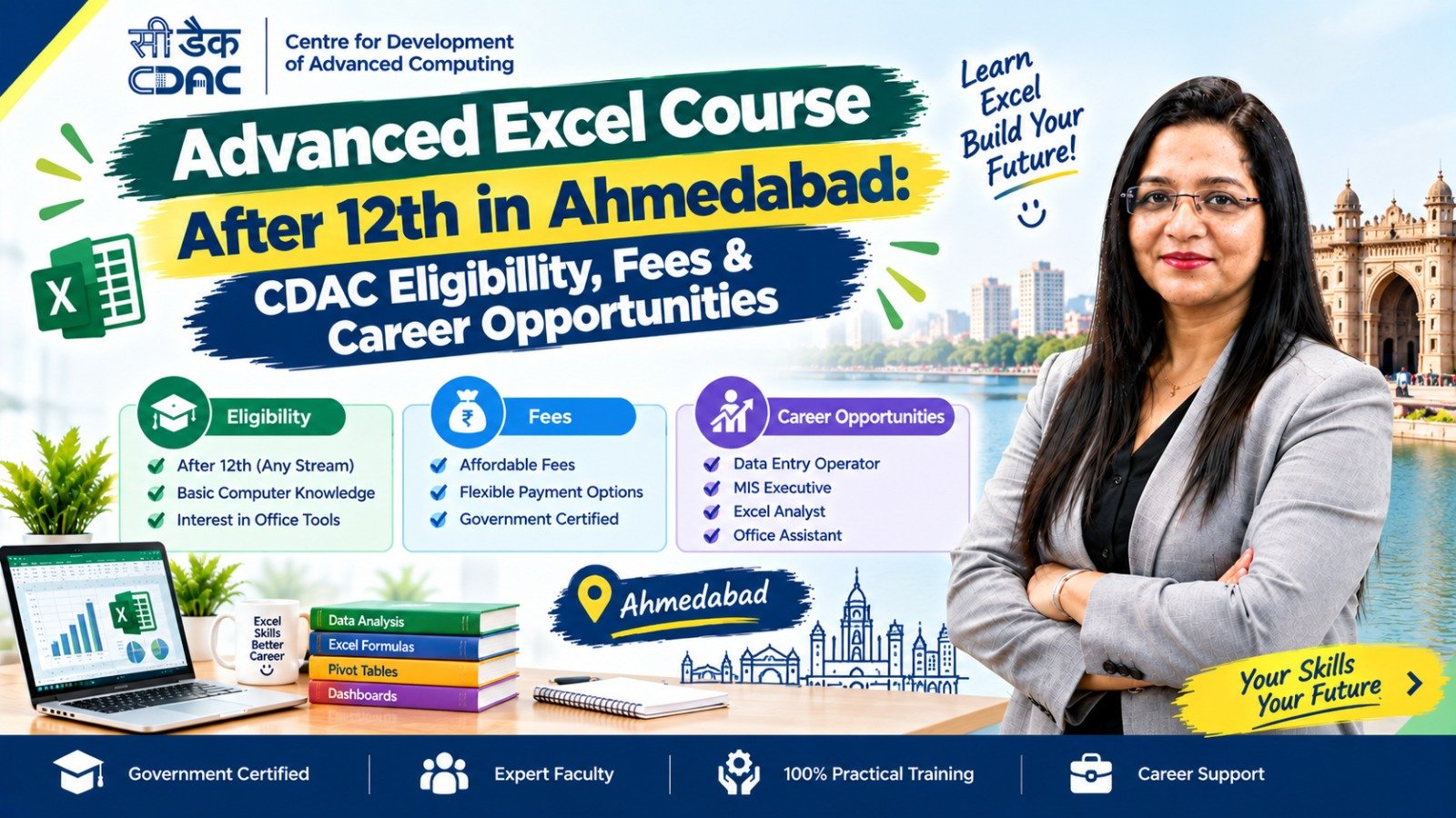
CDAC Advanced Excel Eligibility After 12th
Eligibility depends on the specific programme and training provider.
For a general Advanced Excel course, many beginner-oriented programmes may accept students who have completed 12th standard.
However, students should not assume that every programme described as “CDAC Advanced Excel” has the same eligibility criteria.
Before admission, ask the institute:
“What is the minimum educational qualification for this exact programme?”
Also ask whether there are:
- Entrance requirements
- Computer knowledge requirements
- Age requirements
- Subject requirements
- Entrance tests
- Separate certification requirements
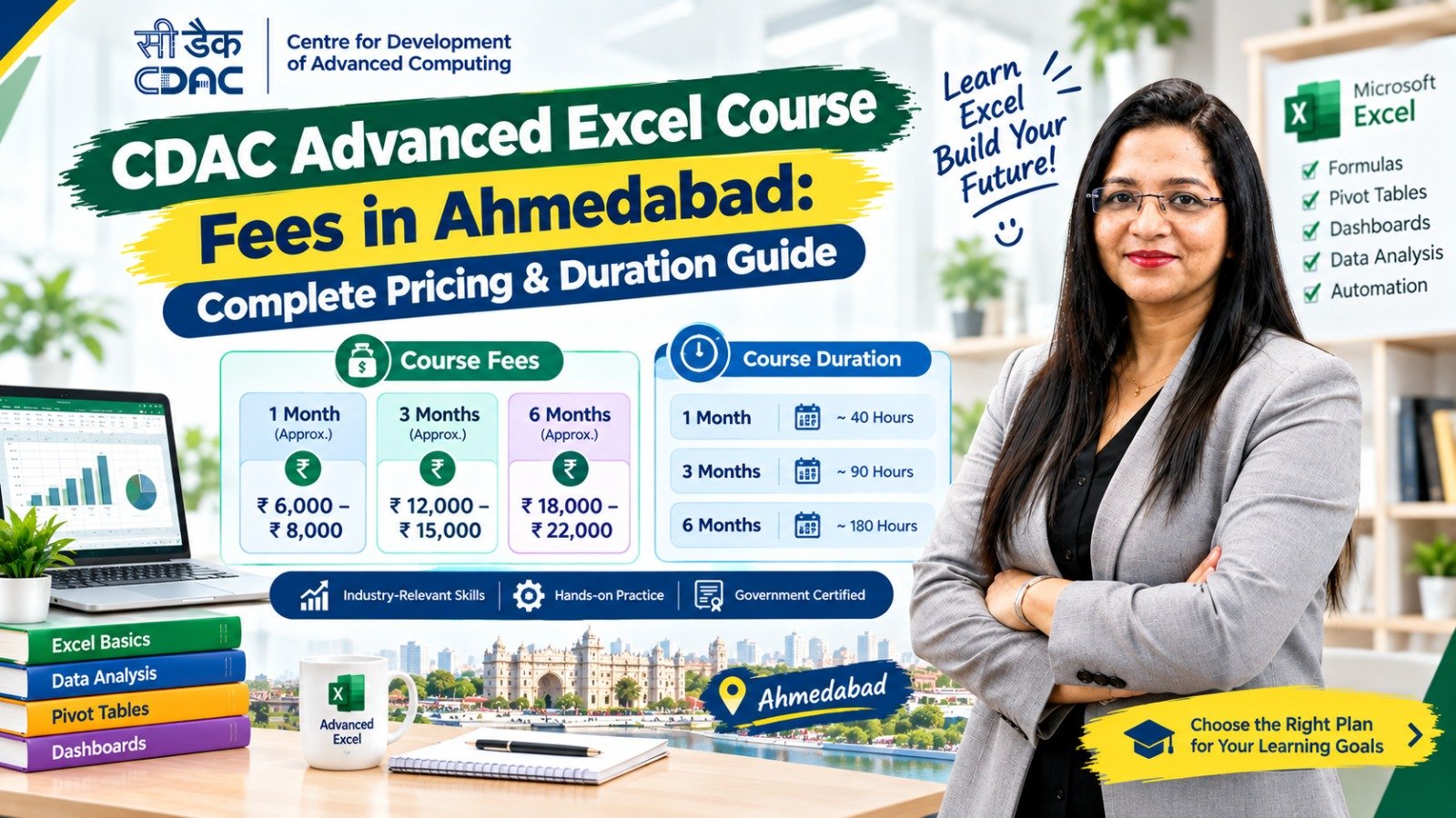
Advanced Excel Course Duration After 12th
The duration depends on the syllabus and training format.
| Course Type | General Duration |
|---|---|
| Excel Basics | 1–2 months |
| Advanced Excel | 1–3 months |
| Advanced Excel + Projects | 2–4 months |
| Excel + Tally/GST | 3–6 months |
| Excel + Power BI | 2–6 months |
| Excel + Data Analytics | 3–6+ months |
These are general ranges rather than fixed Ahmedabad standards.
A student should compare the number of training hours and practical sessions, not just the number of months.
Advanced Excel Course Fees in Ahmedabad After 12th
There is no single standard fee for Advanced Excel courses in Ahmedabad.
The total cost can depend on:
- Course duration
- Number of training hours
- Syllabus
- Online or classroom format
- Practical training
- Projects
- Trainer experience
- Certification
- Study material
- Career assistance
- Additional modules
Therefore, students should ask for the complete fee structure before enrolling.
Questions to Ask About Fees
- Is GST included?
- Is the certificate included?
- Is there an examination fee?
- Are study materials included?
- Are practical projects included?
- Are there additional software charges?
- Is placement assistance included?
- Are there any registration charges?
This makes it easier to compare different Advanced Excel courses in Ahmedabad.
Advanced Excel Course Syllabus
A practical course for beginners can be divided into several modules.
Module 1: Excel Fundamentals
Students learn:
- Excel interface
- Workbooks
- Worksheets
- Cells
- Rows and columns
- Formatting
- Basic formulas
- Cell references
Module 2: Advanced Formulas
Topics may include:
- IF
- IFS
- AND
- OR
- SUMIF
- SUMIFS
- COUNTIF
- COUNTIFS
- AVERAGEIF
- Nested functions
Module 3: Lookup Functions
Students may learn:
- VLOOKUP
- HLOOKUP
- XLOOKUP
- INDEX
- MATCH
- INDEX-MATCH
Module 4: Data Management
Topics include:
- Sorting
- Filtering
- Data Validation
- Remove Duplicates
- Text to Columns
- Flash Fill
- Find and Replace
Module 5: PivotTables
Students can learn how to:
- Create PivotTables
- Summarise data
- Filter information
- Group records
- Create PivotCharts
Module 6: Charts and Dashboards
Students may learn:
- Bar charts
- Column charts
- Line charts
- Pie charts
- Combination charts
- Interactive dashboards
Module 7: Data Cleaning
Practical exercises may include:
- Removing duplicate records
- Standardising data
- Cleaning names
- Cleaning dates
- Correcting inconsistent entries
Module 8: Practical Projects
Projects can include:
- Sales report
- Expense report
- Employee report
- Inventory report
- Customer database
- Monthly MIS report
- Business dashboard
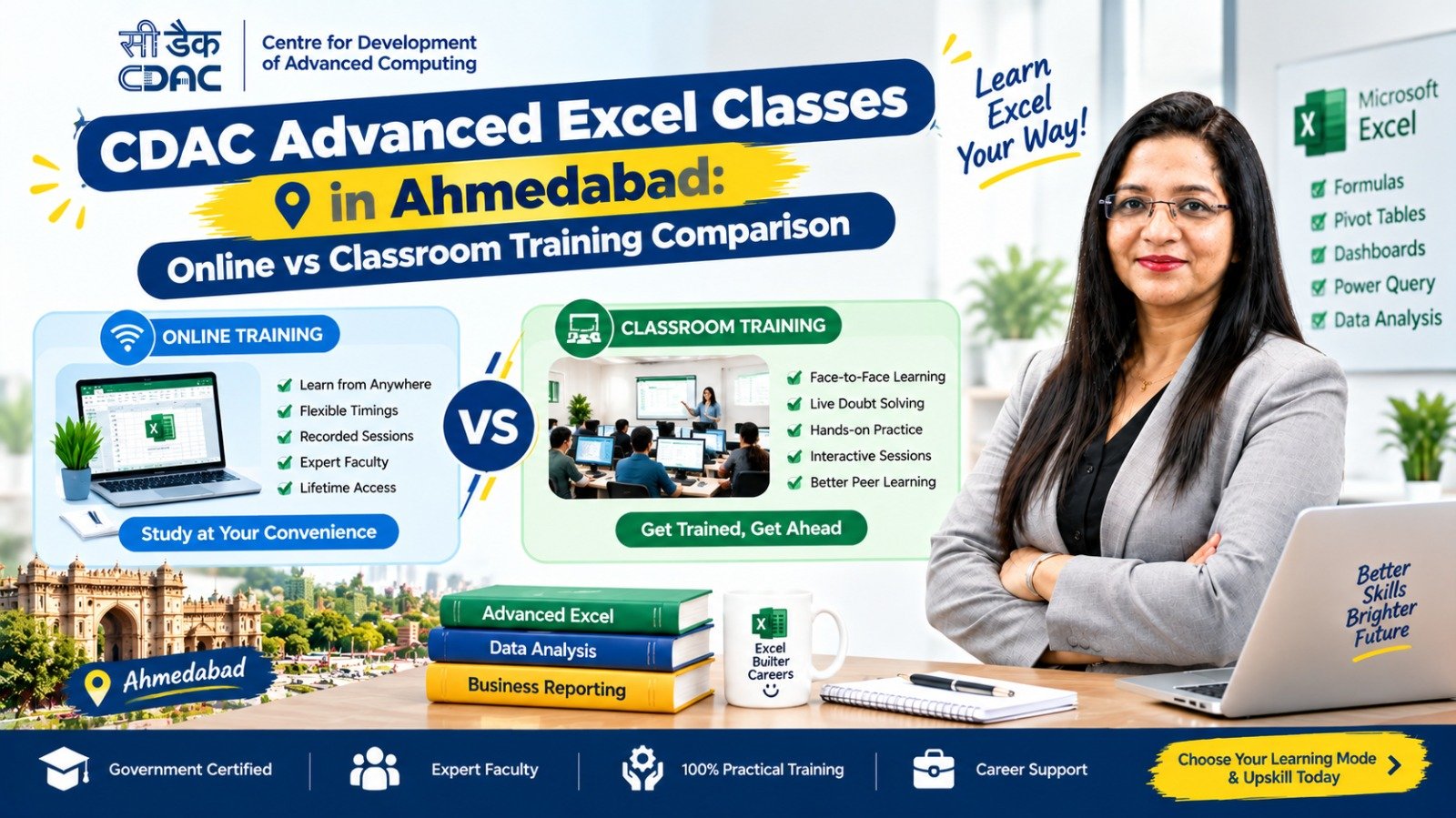
Online vs Classroom Advanced Excel Course
After 12th, students can choose between online and classroom training.
| Feature | Online Training | Classroom Training |
|---|---|---|
| Location | Home | Training centre |
| Travel | Not required | Required |
| Schedule | Often flexible | Usually fixed |
| Trainer interaction | Online | Face-to-face |
| Practical guidance | Depends on provider | Direct classroom support |
| Peer interaction | Virtual | In-person |
| Suitable for | Flexible learners | Students preferring structured learning |
Online Training May Suit You If:
- You want flexible timings.
- You live far from the institute.
- You are comfortable learning online.
- You want to avoid travelling.
Classroom Training May Suit You If:
- You prefer face-to-face teaching.
- You need direct guidance.
- You learn better through practical classroom sessions.
- You prefer a fixed timetable.
The quality of the course should be considered alongside the learning format.
Career Opportunities After Advanced Excel
Advanced Excel can support different entry-level office and business roles.
Possible roles include:
- MIS Executive
- Data Entry Executive
- Back Office Executive
- Accounts Assistant
- Junior Accountant
- Billing Executive
- Operations Executive
- Reporting Executive
- Administrative Executive
- Inventory Executive
- Finance Assistant
Actual job requirements differ between employers.
Advanced Excel alone does not guarantee employment. Education, communication, practical ability, interview skills and additional job-related knowledge can also influence hiring.
Advanced Excel for Accounting Careers
Students interested in accounting can combine Excel with accounting software and GST knowledge.
A practical skill combination can be:
Accounting Fundamentals
↓
TallyPrime
↓
GST
↓
Advanced Excel
↓
Practical Accounting Projects
Students can then explore entry-level opportunities such as:
- Accounts Assistant
- Junior Accountant
- Billing Executive
- Finance Assistant
- MIS Executive
Advanced Excel for Data Analytics
Students interested in analytics can use Advanced Excel as an entry point into data-related skills.
A possible learning path is:
Basic Excel
↓
Advanced Excel
↓
Power BI
↓
SQL
↓
Python
↓
Data Analytics
You do not necessarily need to learn every tool immediately.
Start with Excel, understand data handling and reporting, and then add skills based on the type of job you want.
Advanced Excel for Commerce Students
Commerce students may find Excel particularly useful because it can complement accounting and business studies.
For example:
B.Com + TallyPrime + GST + Advanced Excel
can provide a combination of academic knowledge and practical software skills.
Students can also later learn Power BI or other analytics tools.
Advanced Excel for Science and Arts Students
Advanced Excel is not limited to commerce students.
Science and arts students can also learn Excel for:
- Office work
- Administration
- Data entry
- Reporting
- Operations
- Business support
- Data management
Students who are interested in data analytics can later move toward Power BI, SQL and Python.
How to Choose an Advanced Excel Course After 12th in Ahmedabad
Before enrolling, compare the following points.
1. Check Eligibility
Confirm that the institute accepts 12th-pass students.
2. Review the Syllabus
Make sure the course covers practical Excel topics rather than only basic functions.
3. Ask About Projects
Projects provide an opportunity to apply Excel skills to realistic business problems.
4. Check Training Hours
A course advertised as “3 months” can still vary significantly in the number of actual teaching hours.
5. Check the Trainer
Ask about the trainer’s Excel experience and teaching background.
6. Verify Certification
Find out exactly who issues the certificate.
7. Verify CDAC Claims
If “CDAC” or “government certification” is mentioned, verify the specific affiliation.
8. Compare Fees
Ask for the complete fee, including additional charges.
9. Check Class Format
Choose online or classroom based on your schedule and learning preference.
10. Ask About Career Support
If placement assistance is offered, ask what it actually includes.
Advanced Excel Learning Roadmap After 12th
Students can follow a simple progression.
Step 1: Basic Computer Skills
Learn file management, typing and basic computer operations.
Step 2: Excel Fundamentals
Learn formatting, formulas, worksheets and cell references.
Step 3: Advanced Excel
Learn formulas, lookup functions, PivotTables and data management.
Step 4: Practical Projects
Create sales, accounting, inventory and employee reports.
Step 5: Build a Portfolio
Save a few well-designed Excel projects that demonstrate your skills.
Step 6: Add a Career-Specific Skill
Choose based on your goal:
Accounting: TallyPrime + GST
MIS: Power BI
Data Analytics: Power BI + SQL + Python
Administration: Office tools + communication
Step 7: Prepare for Jobs
Work on your CV, interview skills, communication and practical assignments.
Is Advanced Excel a Good Skill After 12th?
Advanced Excel can be a useful additional skill for students who want practical office and business capabilities.
It can help learners understand:
- Data organisation
- Calculations
- Reporting
- Business information
- Spreadsheet analysis
- Dashboard creation
However, students should not view a short-term Excel certificate as a replacement for a complete education or professional qualification where one is required.
Excel works best when combined with knowledge relevant to the target career.
Frequently Asked Questions
1. Can I do an Advanced Excel course after 12th in Ahmedabad?
Yes. Many beginner-friendly Advanced Excel courses can be started after 12th, subject to the eligibility requirements of the individual training provider.
2. What is the eligibility for a CDAC Advanced Excel course after 12th?
Eligibility depends on the exact programme. Do not assume that every course advertised as “CDAC Advanced Excel” follows the same eligibility criteria. Confirm the requirements with the specific provider.
3. How much does an Advanced Excel course cost in Ahmedabad?
Fees vary according to duration, syllabus, training format, practical projects, trainer, certification and other inclusions. There is no single standard fee for every institute.
4. How long does an Advanced Excel course take?
A typical Advanced Excel course may take around 1–3 months, while broader programmes with projects or additional skills can take longer.
5. Can a non-commerce student learn Advanced Excel?
Yes. Excel can be learned by students from commerce, science and arts backgrounds.
6. Is Advanced Excel useful for accounting jobs?
Yes. Excel is frequently used for reporting, calculations and data management. Students interested in accounting can combine it with TallyPrime, GST and accounting fundamentals.
7. Can Advanced Excel help me get a job after 12th?
Advanced Excel can add a useful workplace skill to your profile, but employment depends on the job role and other factors such as education, communication, practical ability and employer requirements.
8. Should I choose online or classroom Excel training?
Online training may provide more flexibility, while classroom training may provide more direct face-to-face guidance. Choose based on your learning style, schedule and the quality of the course.
9. Is a CDAC certificate automatically guaranteed if a course uses the CDAC name?
No. Students should verify the exact programme, affiliation and certificate issuer before admission.
10. What should I learn after Advanced Excel?
For accounting, consider TallyPrime and GST. For reporting, consider Power BI. For data analytics, consider Power BI, SQL and Python.