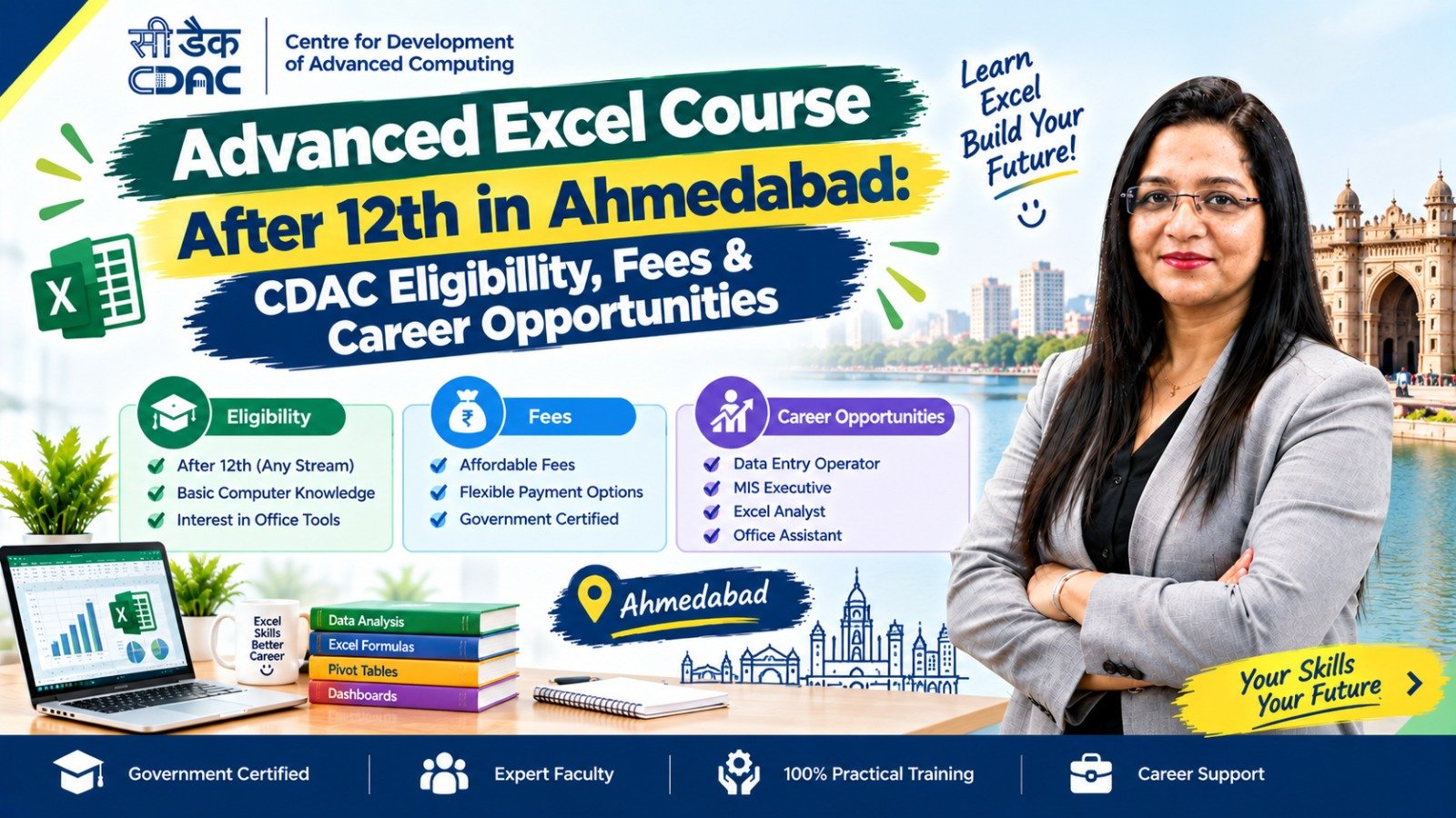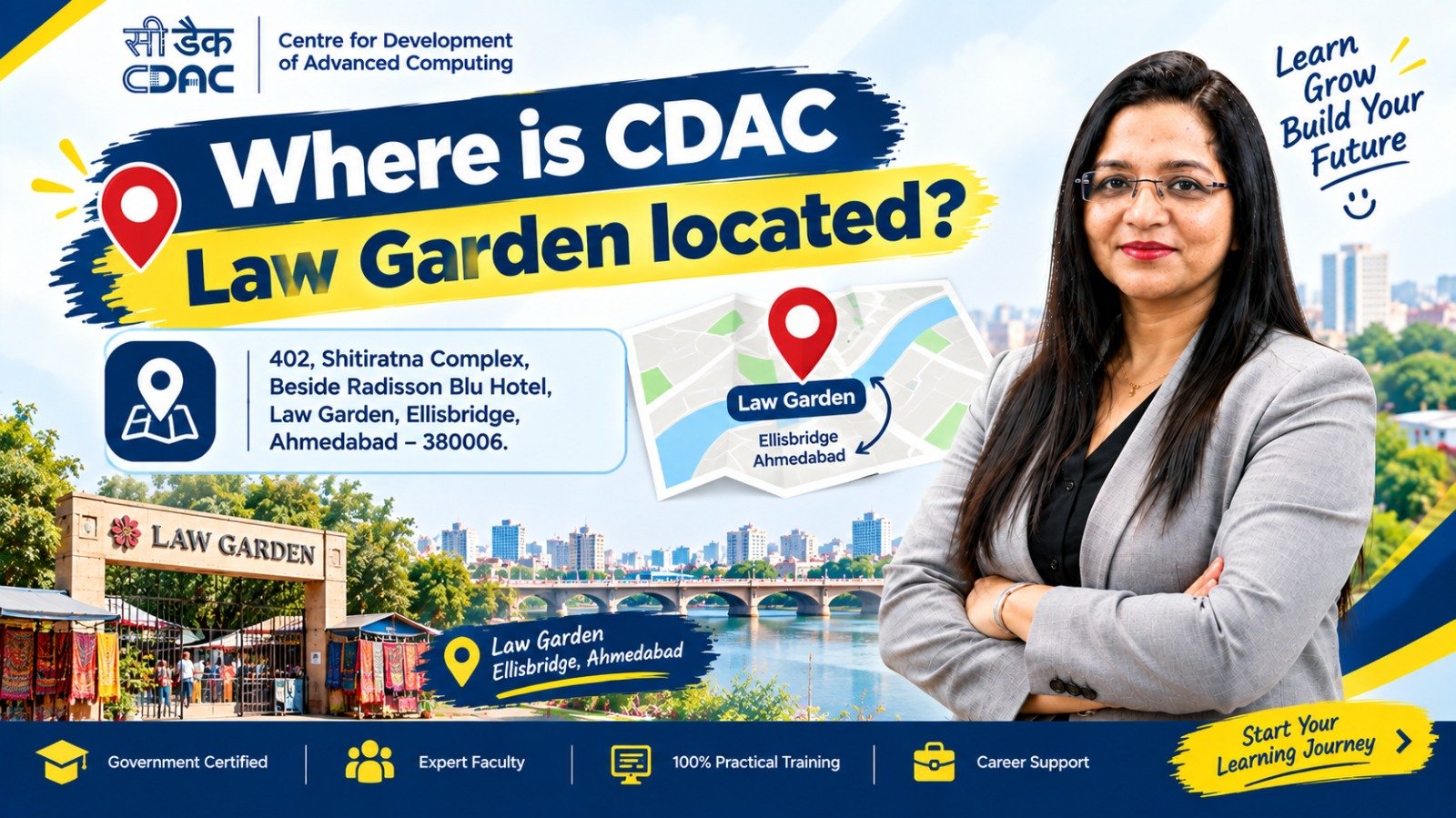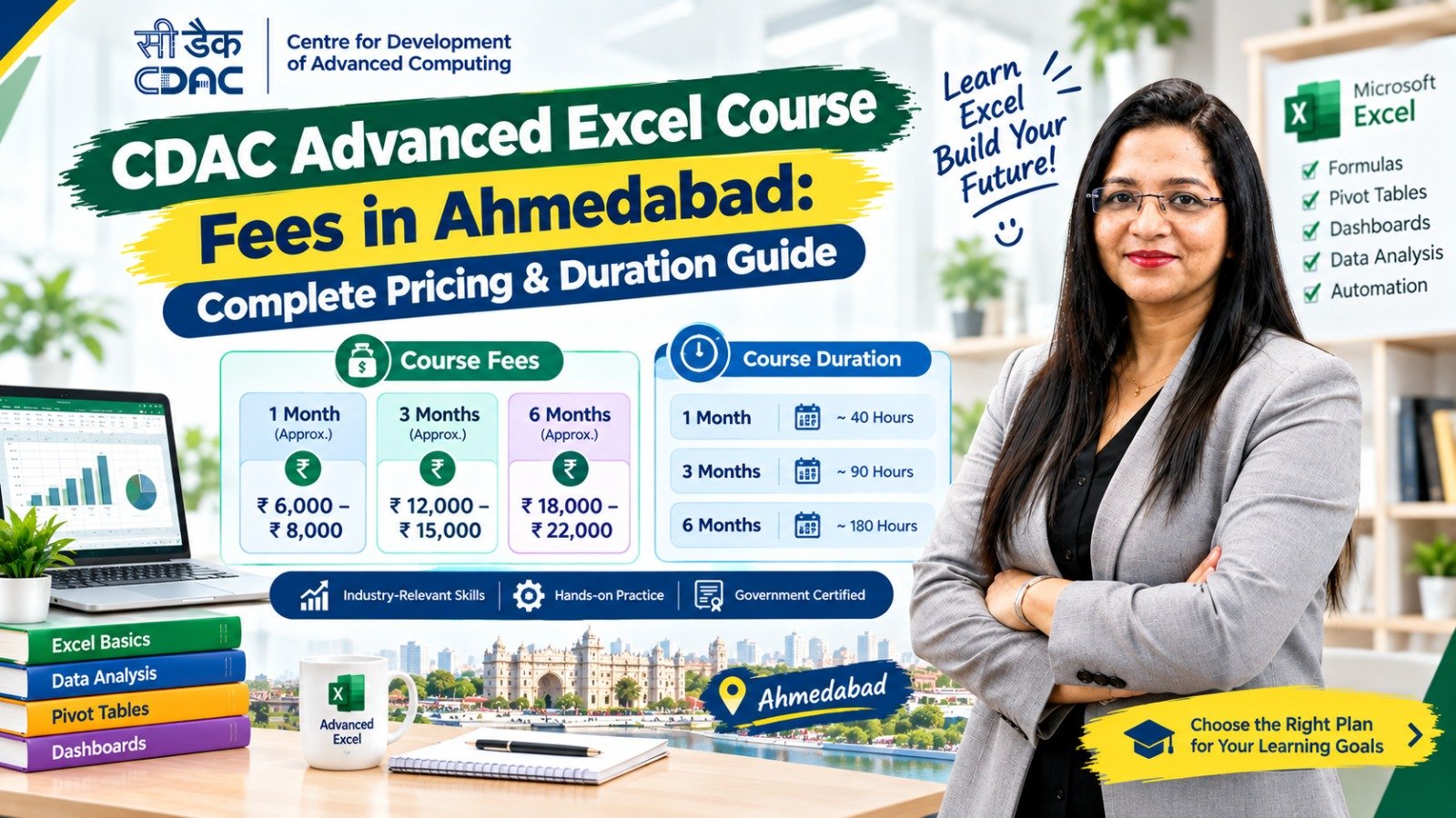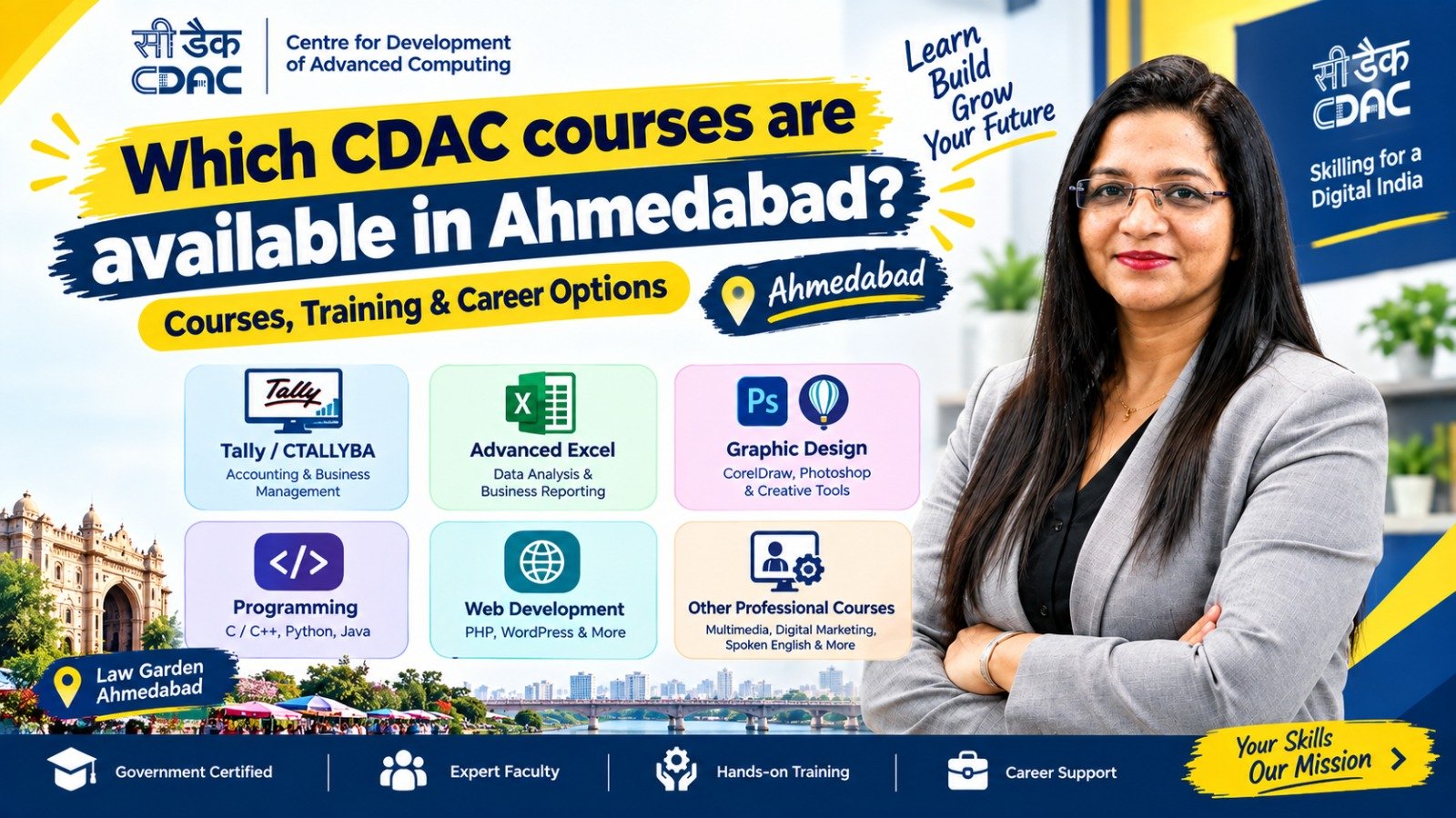
Advanced Excel is an important workplace skill for accounting, finance, administration, business operations, data management and reporting. Students and working professionals in Ahmedabad can choose between online Advanced Excel classes and classroom-based training.
This guide explains what students should consider before joining an Advanced Excel course, including syllabus, practical training, duration, learning flexibility, instructor support, fees and career applications. It also explains how to evaluate courses advertised as “CDAC Advanced Excel” and why students should verify the exact institute, certification and course affiliation before admission.
Introduction
Microsoft Excel is widely used for maintaining records, preparing reports, analysing business data and managing day-to-day office work. While basic Excel is useful, many employers expect candidates to understand advanced features such as formulas, PivotTables, data cleaning, dashboards and reporting.
For this reason, Advanced Excel classes in Ahmedabad are popular among students, job seekers, accountants, business professionals and people looking to improve their office skills.
One common search is for CDAC Advanced Excel classes in Ahmedabad. However, students should first understand exactly what the institute means by “CDAC” because a course using that term may not necessarily be an official programme of the Centre for Development of Advanced Computing (C-DAC).
Before paying course fees, check the institute’s official course information, certification details, syllabus and affiliation.
The bigger question for many learners is:
Should you choose online Advanced Excel training or classroom training?
Let’s compare both options.
What Is Advanced Excel?
Advanced Excel refers to using Excel’s more powerful tools and functions for data analysis, reporting, calculations and business operations.
A practical Advanced Excel course may cover topics such as:
- Advanced formulas and functions
- IF, IFS and nested functions
- SUMIF, SUMIFS, COUNTIF and COUNTIFS
- VLOOKUP and HLOOKUP
- XLOOKUP
- INDEX and MATCH
- Text and date functions
- Conditional formatting
- Data validation
- Sorting and filtering
- Excel Tables
- PivotTables
- PivotCharts
- Data cleaning
- Charts and dashboards
- What-If Analysis
- Logical and financial functions
- Basic automation concepts
- Report preparation
- Practical business projects
The exact syllabus varies between training institutes.
What Does “CDAC Advanced Excel Course” Mean?
C-DAC stands for Centre for Development of Advanced Computing, an organisation under India’s Ministry of Electronics and Information Technology (MeitY).
C-DAC conducts and supports programmes in several advanced technology areas.
However, not every Excel course advertised using the term “CDAC” should automatically be assumed to be an official C-DAC course.
If an institute in Ahmedabad advertises a course as a “CDAC Advanced Excel Course,” students should verify:
- The exact name of the programme.
- Whether the course is officially affiliated with C-DAC.
- Who issues the certificate.
- Whether the certificate is a C-DAC certificate or an institute certificate.
- Whether the institute appears in the relevant official programme information.
- The current syllabus and course duration.
- Whether practical training is included.
This simple verification can help students avoid confusion before admission.
Why Learn Advanced Excel in Ahmedabad?
Ahmedabad has opportunities across accounting, manufacturing, trading, finance, healthcare, education, administration, retail and service industries.
Excel can be useful for employees working with:
- Accounts
- Finance
- Sales
- Operations
- HR
- Administration
- Inventory
- MIS reporting
- Business analysis
- Data management
- Customer records
- Project reporting
Advanced Excel can therefore complement other professional skills such as TallyPrime, GST, accounting, Power BI, data analytics and digital marketing.
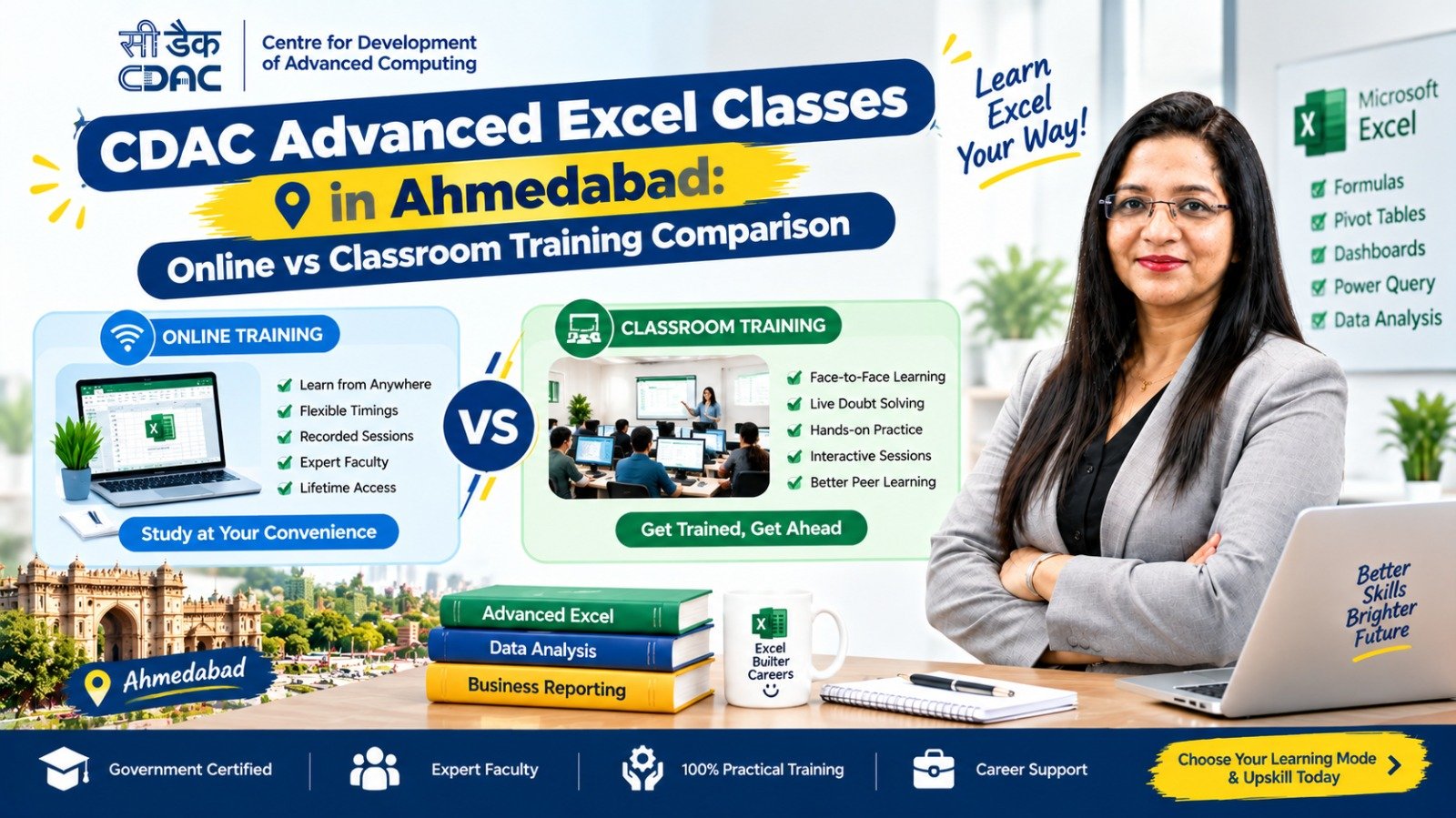
Advanced Excel Online vs Classroom Training
Both learning methods can work well. The better option depends on your schedule, learning style, technical comfort and the type of support you need.
| Feature | Online Training | Classroom Training |
|---|---|---|
| Learning location | Home or any convenient location | Training institute |
| Schedule | Often more flexible | Usually fixed |
| Travel | No travel required | Travel may be required |
| Instructor interaction | Online | Face-to-face |
| Doubt solving | Chat/video sessions | Direct interaction |
| Practical learning | Depends on course | Usually guided directly |
| Peer interaction | Limited or virtual | In-person |
| Flexibility | High | Moderate |
| Discipline required | Higher | Structured environment |
| Suitable for | Working professionals and flexible learners | Students preferring classroom learning |
1. Online Advanced Excel Classes in Ahmedabad
Online training allows students to learn Excel from home using a laptop or computer.
This can be useful for:
- Working professionals
- College students
- Job seekers
- People with busy schedules
- Learners living far from a training centre
- People who prefer self-paced learning
Advantages of Online Excel Training
Flexible learning:
You can attend classes without travelling to an institute.
Time saving:
There is no daily commuting time.
Convenient revision:
If recorded classes are provided, students may be able to review difficult topics later.
Suitable for working professionals:
Online classes can be easier to combine with a job or other responsibilities.
Possible Limitations
Online learning requires self-discipline. Students may also have difficulty if they need immediate face-to-face help.
Before enrolling, check whether the course includes:
- Live instructor sessions
- Doubt-solving support
- Practice assignments
- Excel files for exercises
- Recorded lectures
- Projects
- Assessments
- Certificate
- Placement or career support, if advertised
2. Classroom Advanced Excel Classes in Ahmedabad
Classroom training involves attending an institute where an instructor teaches Excel in person.
This format may be suitable for students who prefer structured learning and direct interaction.
Advantages of Classroom Training
Direct interaction:
Students can ask questions during the session.
Structured environment:
Fixed class timings can help learners maintain a regular study routine.
Practical guidance:
An instructor can observe your work and help correct mistakes.
Peer learning:
Students can learn from questions and problems raised by other learners.
Possible Limitations
Classroom training generally requires travelling to the institute and following a fixed schedule.
Students should therefore consider:
- Institute location
- Class timings
- Travel time
- Batch size
- Practical computer availability
- Trainer experience
- Course duration
Which Advanced Excel Training Format Should You Choose?
Instead of choosing only based on the words online or classroom, compare the actual learning experience.
Choose Online Training If:
- You need flexible timings.
- You prefer learning from home.
- You are working or studying.
- You want to avoid travel.
- You are comfortable practising independently.
- The course provides live trainer support and practical assignments.
Consider Classroom Training If:
- You learn better through face-to-face teaching.
- You need regular instructor guidance.
- You prefer a fixed study schedule.
- You want direct interaction with other students.
- You need help while practising Excel.
The important point is that course quality matters more than the delivery format alone.
Advanced Excel Course Syllabus
A good practical course may include the following modules.
Module 1: Excel Fundamentals
- Excel interface
- Worksheets and workbooks
- Formatting
- Rows and columns
- Cell references
- Basic formulas
- Basic functions
Module 2: Advanced Formulas
- IF
- IFS
- AND
- OR
- SUMIF
- SUMIFS
- COUNTIF
- COUNTIFS
- AVERAGEIF
- Nested formulas
Module 3: Lookup Functions
- VLOOKUP
- HLOOKUP
- XLOOKUP
- INDEX
- MATCH
- INDEX + MATCH combinations
Module 4: Data Management
- Sorting
- Filtering
- Remove Duplicates
- Data Validation
- Text to Columns
- Flash Fill
- Find and Replace
Module 5: PivotTables
- Creating PivotTables
- Grouping data
- Filters
- Calculated fields
- PivotCharts
- Report generation
Module 6: Charts and Dashboards
Students may learn to create:
- Column charts
- Bar charts
- Line charts
- Pie charts
- Combination charts
- Interactive reports
- Basic dashboards
Module 7: Data Cleaning
Practical exercises may include cleaning:
- Customer data
- Sales data
- Employee records
- Product lists
- Accounting records
Module 8: Practical Projects
A practical course should ideally provide projects based on real workplace situations.
Examples include:
- Sales report
- Monthly expense report
- Employee attendance report
- Inventory report
- Customer database
- Financial summary
- MIS dashboard
Advanced Excel Course Duration in Ahmedabad
Course duration varies between institutes.
Typical learning structures may look like:
| Course Type | General Duration |
|---|---|
| Basic Excel | 1–2 months |
| Advanced Excel | 1–3 months |
| Advanced Excel + practical projects | 2–4 months |
| Excel + Accounting/Tally | 3–6 months |
| Excel + Data Analytics tools | 3–6+ months |
These are general ranges rather than fixed Ahmedabad standards. Always confirm the current duration with the institute.
Advanced Excel Course Fees in Ahmedabad
There is no single standard fee for Advanced Excel classes.
Fees can vary depending on:
- Course duration
- Syllabus
- Trainer experience
- Online or classroom mode
- Practical projects
- Certificate
- Number of classes
- Batch size
- Study material
- Placement assistance
- Additional software or modules
Instead of choosing a course only because it has a lower fee, compare the complete learning package.
Ask the institute:
“What exactly is included in the course fee?”
This can help you compare courses more accurately.
Advanced Excel Certification
Many training institutes provide certificates after completion of their Excel courses.
Before joining, check:
- Certificate issuer
- Assessment method
- Course completion requirements
- Whether the certificate is recognised by the institute or an external organisation
- Whether the certificate claims any government or C-DAC affiliation
- Whether the certificate details can be independently verified
A certificate can document course completion, but practical Excel ability remains important when applying for jobs.
Who Can Join an Advanced Excel Course?
Advanced Excel can be useful for a wide range of learners, including:
- Students
- 12th-pass learners
- College students
- Graduates
- Job seekers
- Accountants
- Office executives
- Business owners
- Administrative professionals
- Working professionals
- Career-switchers
A learner does not necessarily need a technical background to start Excel.
For complete beginners, starting with Excel fundamentals before moving into advanced functions can make the learning process easier.
Advanced Excel After 12th
Students who have completed 12th standard may consider learning Excel as an additional job-oriented skill.
For example, students can build skills in:
Excel → Advanced Excel → Tally/GST → Power BI → Data Analytics
The exact learning path depends on the student’s career goal.
Commerce students may find Excel particularly useful alongside accounting studies, while students from other streams can also learn Excel for office and business applications.
Advanced Excel for Accounting Jobs
Excel is commonly used for accounting-related tasks such as:
- Expense tracking
- Sales records
- Purchase records
- Reconciliation
- Reports
- Data management
- Budgeting
- Financial summaries
Students interested in accounting can consider combining:
Accounting Fundamentals + TallyPrime + GST + Advanced Excel
This combination can provide a broader practical skill set than learning Excel alone.
Advanced Excel and Data Analytics
Advanced Excel can also act as a starting point for data-related learning.
A possible progression is:
Excel Basics → Advanced Excel → Power BI → SQL → Python → Data Analytics
Not everyone needs to learn all these tools. The appropriate path depends on the desired job role.
For office and MIS positions, Excel and Power BI may be particularly useful. For more technical analytics roles, additional skills may be required.
How to Choose Advanced Excel Classes in Ahmedabad
Before admission, compare institutes using the following checklist.
1. Check the Syllabus
Make sure the course covers the Excel functions and tools you actually want to learn.
2. Ask About Practical Training
Find out how much time is spent actually working in Excel.
3. Check the Trainer
Ask about the trainer’s practical industry experience.
4. Compare Online and Classroom Options
Consider your schedule, travel time and preferred learning style.
5. Ask About Projects
Practical projects can help you understand how Excel is used in workplaces.
6. Verify Certification Claims
If the course is advertised as a “CDAC” or “government” course, verify the exact affiliation and certificate issuer.
7. Ask About Career Support
If placement assistance is advertised, ask what it specifically includes.
8. Compare the Complete Fee
Don’t compare only the headline course fee. Check what is included.
Career Opportunities After Advanced Excel
Advanced Excel can support different office-based roles, depending on additional qualifications and experience.
Possible roles include:
- MIS Executive
- Accounts Assistant
- Junior Accountant
- Data Entry Executive
- Back Office Executive
- Operations Executive
- Reporting Executive
- Administrative Executive
- Inventory Executive
- Finance Assistant
Excel proficiency can also be useful in many other job roles where employees regularly work with spreadsheets and reports.
However, Advanced Excel certification alone does not guarantee a job. Employers may also consider education, accounting knowledge, communication skills, practical experience and other technical skills.
Skills to Learn Along With Advanced Excel
For stronger career preparation, students can consider adding relevant skills based on their target role.
For Accounting
TallyPrime + GST + Advanced Excel + Accounting
For MIS
Advanced Excel + Power BI + Reporting
For Data Analytics
Advanced Excel + Power BI + SQL + Python
For Administration
Advanced Excel + Documentation + Communication + Office Tools
For Business Operations
Advanced Excel + Reporting + Data Management + Communication
Online vs Classroom: Quick Decision Guide
| Your Requirement | Recommended Learning Format |
|---|---|
| Flexible schedule | Online |
| Working professional | Online |
| Prefer face-to-face teaching | Classroom |
| Need regular direct guidance | Classroom |
| Want to avoid travelling | Online |
| Prefer fixed routine | Classroom |
| Comfortable with self-learning | Online |
| Need hands-on trainer support | Classroom or live online |
Remember that a live online course with practical trainer support can provide a different experience from a completely self-paced recorded course.
A Practical Advanced Excel Learning Roadmap
If you are starting from zero, you can follow this sequence:
Step 1: Learn Excel Basics
Understand worksheets, formatting, formulas and references.
Step 2: Learn Important Functions
Practise IF, SUMIF, COUNTIF, SUMIFS and other commonly used functions.
Step 3: Learn Lookup Functions
Move from VLOOKUP/HLOOKUP to XLOOKUP and INDEX-MATCH.
Step 4: Learn Data Management
Practise sorting, filtering, validation and data cleaning.
Step 5: Learn PivotTables
Use PivotTables to summarise larger datasets.
Step 6: Learn Charts
Create clear charts from business data.
Step 7: Build Dashboards
Combine formulas, charts and PivotTables into useful reports.
Step 8: Complete Projects
Create practical reports using sales, accounting, inventory or employee data.
Step 9: Build a Portfolio
Save selected projects that demonstrate your Excel skills.
Step 10: Add a Related Skill
Depending on your career goal, consider TallyPrime, Power BI, SQL or accounting fundamentals.
FAQs
1. Are CDAC Advanced Excel classes available in Ahmedabad?
Courses advertised as CDAC Advanced Excel classes may be available through different training providers, but students should verify whether a particular course is officially affiliated with C-DAC. The term “CDAC” should not automatically be treated as proof of official C-DAC certification.
2. Which is better: online or classroom Advanced Excel training?
Both formats can work well. Online learning offers flexibility, while classroom training provides direct face-to-face interaction. The choice depends on your schedule, learning preference and the support provided by the institute.
3. What is the duration of an Advanced Excel course?
It varies by institute and syllabus. Many practical Advanced Excel courses may run for around 1–3 months, while broader programmes can be longer.
4. What is the fee for Advanced Excel classes in Ahmedabad?
Fees vary according to the institute, duration, syllabus, training format, practical projects and certification. Students should compare complete course inclusions rather than relying only on the advertised fee.
5. Can I learn Advanced Excel after 12th?
Yes. Many beginner-friendly Excel courses can be started after 12th. Students with no Excel experience should begin with fundamentals before progressing to advanced functions.
6. Is Advanced Excel useful for accounting jobs?
Yes. Excel can be useful for reporting, calculations, data management and financial records. Combining Advanced Excel with accounting fundamentals, TallyPrime and GST can provide broader accounting-related skills.
7. Does Advanced Excel guarantee a job?
No. Excel is a useful professional skill, but employment depends on several factors, including education, practical ability, experience, communication and the requirements of the employer.
8. Should I learn Excel online or attend an institute?
Choose based on your learning style and schedule. If flexibility is important, online training may be convenient. If you prefer direct classroom interaction and structured learning, classroom training may suit you better.
9. What should I check before joining a CDAC-labelled Excel course?
Check the exact programme name, institute affiliation, certificate issuer, syllabus, duration, practical training and whether any C-DAC or government certification claim can be independently verified.
10. Can Advanced Excel lead to a career in data analytics?
Advanced Excel can be a useful starting point for data-related work. Learners interested in analytics can later add Power BI, SQL, statistics and Python depending on their career objectives.
Conclusion
CDAC Advanced Excel classes in Ahmedabad can be an option for learners searching for structured Excel training, but students should carefully verify what “CDAC” means for the specific course before enrolling.
The choice between online and classroom Advanced Excel training depends largely on your schedule, learning style and the quality of practical support.
When comparing courses, focus on more than the certificate or course fee. Look at the syllabus, practical assignments, trainer support, projects, learning format, certification details and career guidance.
For students and job seekers in Ahmedabad, Advanced Excel can also be combined with skills such as TallyPrime, GST, accounting, Power BI and data analytics to build a broader professional skill set.
The goal should not simply be to complete an Excel course. The goal should be to become confident enough to use Excel for real workplace tasks, reports, calculations and business data.